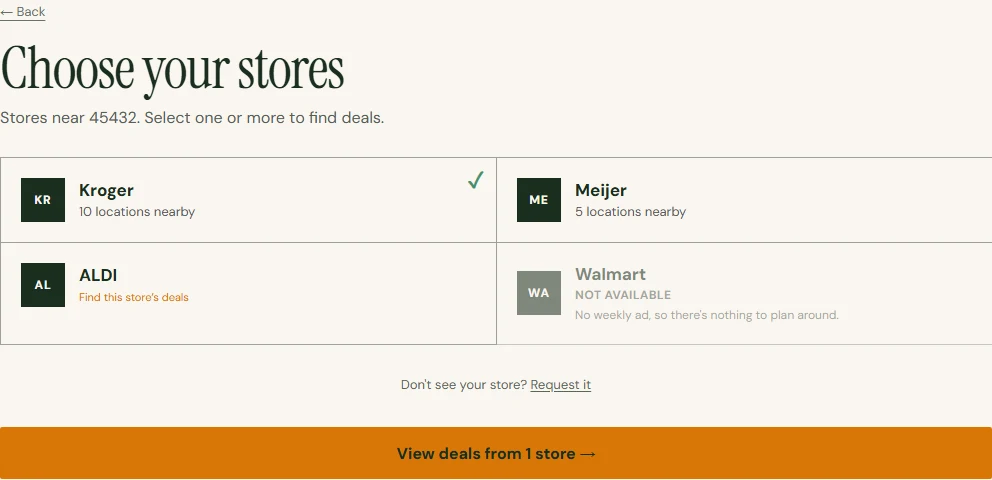
01
Start with your ZIP
Find nearby stores with available deals, then choose how you want to plan your meals.
THE WORKING PARTS
Dishcount starts with the stores you shop, shows their current deals, and builds recipes around the sale items you choose.
SEE IT IN ACTION
Follow a recorded Dayton example: select deals and preferences, compare five recipes, then build a shopping list. The recording uses saved data from September 17, 2026; prices and availability change.
This silent recording uses a saved example. Its displayed prices are not current quotes.
HOW IT WORKS
Get five meals with a few settings, or browse deals and choose the ingredients yourself.
Find nearby stores with available deals, then choose how you want to plan your meals.
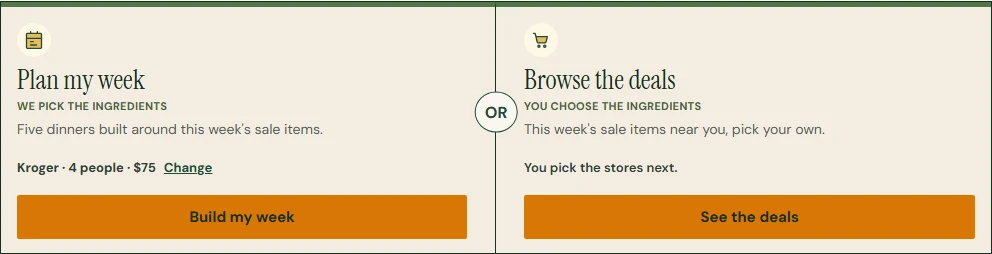
Use the quick five-meal plan with your household and budget settings, or choose sale ingredients yourself.
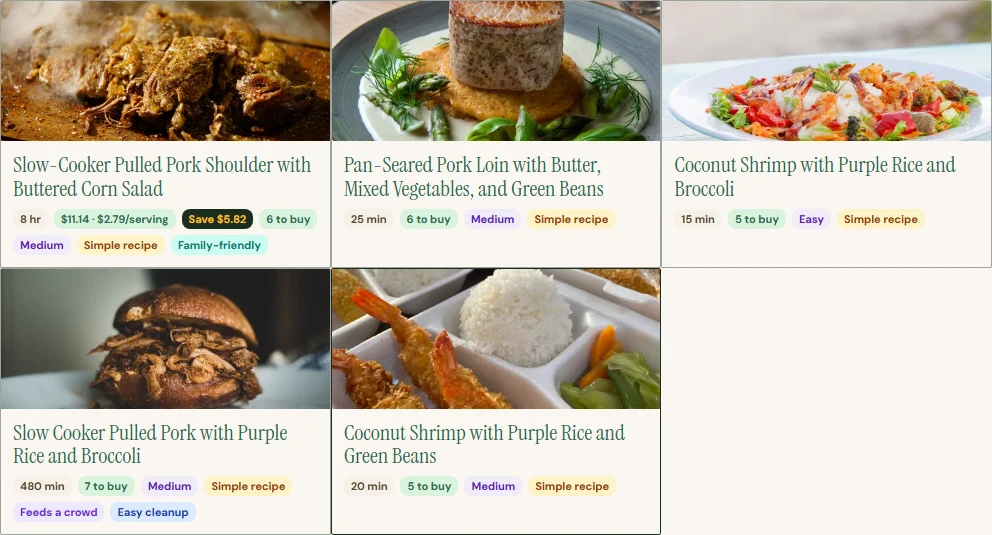
Get recipes and a shopping list organized around those choices.
Prices appear after a ZIP search because availability changes by store and week.
AVAILABLE NOW
See offers tied to a named nearby store, with the price or offer the store published.
Choose the sale ingredients you want and build dinner around them.
Household size, dietary needs, available time, and cooking style shape the results.
Keep the deal items and the rest of each recipe in one list.
Return to meals you liked without searching for them again.
Signed-in Kroger shoppers can match recipe ingredients to products for pickup or delivery.
AVAILABLE IN BETA
Identify likely pantry ingredients from a photo, then confirm the list before using it.
Keep one step on screen at a time with simple timers and hands-busy controls.